E-Signatures That Hold Up: PAdES, RFC 3161 Timestamps and a Hash-Chained Trail
A picture of a signature on a PDF proves nothing. This is how I built advanced e-signatures for HR letters and offers with pyHanko: certification signatures with DocMDP, RFC 3161 timestamps, step-up MFA, PDFs that are never re-rendered, and an append-only hash-chained audit log.
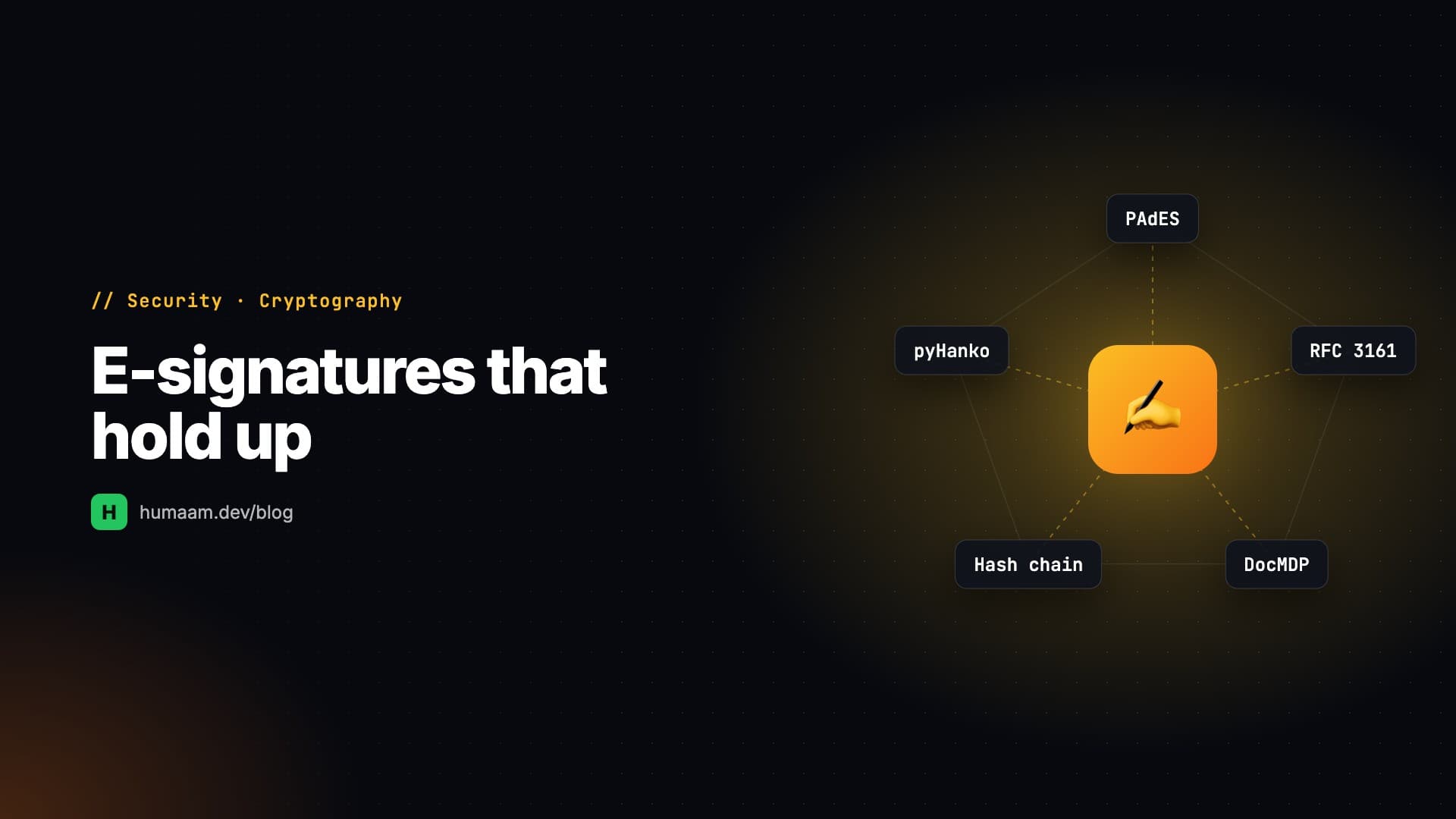
Adding a picture of a signature to a PDF takes an afternoon. Building a signature that still means something years later, when someone disputes an offer letter, is a different project. When BoltHR, the HR platform I work on, needed electronically signed employment letters and job offers, I wanted the second kind: a signature where the signer is identifiable, the document can't be changed without detection, and the record holds up on its own.
Here's how I built it with pyHanko in Django: PAdES certification signatures, RFC 3161 timestamps, a hash-chained audit trail, and the rules that kept it honest.
Decide what you're claiming before you write code
The first artefact wasn't code. It was a short policy document that says exactly what we claim and what we don't.
We claim an advanced electronic signature, written to the tests in UNCITRAL art. 6, eIDAS art. 26 (art. 36 for the company seal), the Maldives Electronic Transactions Act 2/2022 and ESIGN/UETA. In practice those tests come down to four properties:
- •Uniquely linked to the signer: the authenticated person, named in the signature dictionary, the visible block and the audit trail.
- •Under the signer's sole control: a fresh authenticator code at the moment of signing.
- •Intent and consent: an explicit "Approve and e-sign" action and a consent sentence, stored verbatim with its version.
- •Any later change detectable: a cryptographic signature over the final bytes.
We don't claim a qualified signature. That needs a qualified trust service provider and a certified signing device, and no CA is accredited in the Maldives yet. So the signer sits behind an interface (get_signer), and a remote-signing provider can be added later without changing the flow. Writing this down first also settled a lot of later arguments about what the feature had to do.
Who signs: the final approver
Letters and offers in BoltHR already go through a configurable approval workflow. The design decision was that an electronic document is signed in the name of whoever completes the last approval step. The template decides whether a document is wet-ink or electronic, and an electronic template has to contain a {{signature}} placeholder.
The order of checks matters more than it looks. The signing code is verified before the approval is saved, and checked again under the row lock:
1. A fresh TOTP via the same step-up check the rest of the app uses, rate-limited across purposes. Recovery codes are refused for signing. They exist to get you back into your account, not to sign on your behalf.
2. The consent tick.
3. A signature image on file, which itself can only be set or changed with a code.
If any of these is missing, the approval doesn't happen. Bulk approve skips electronic documents altogether, and a support impersonation session can never sign. One rule I keep repeating to myself: the function that predicts "this approval will complete the workflow" mirrors the function that actually completes it, and changing one means changing both.
The signature itself: PAdES B-T, certification, DocMDP
The PDF is signed with a PAdES certification signature (ETSI EN 319 142-1), SHA-256, with an RFC 3161 timestamp from a public timestamp authority, which makes it PAdES B-T. A certification signature (as opposed to a plain approval signature) also declares what changes are permitted afterwards, through DocMDP:
- •Letters: P=1. No change of any kind is allowed after sealing.
- •Offers: P=2. Form filling is allowed, so the candidate can countersign in an empty, visible signature field we leave on the last page. The countersignature is an incremental update, and the certification stays valid because P=2 allows exactly that.
The timestamp is what turns "signed" into "signed no later than this moment, by a third party's clock". Public TSAs do have bad days, so I wrapped pyHanko's HTTP timestamper in a small fallback that asks DigiCert first, then Sectigo, and remembers which one answered:
class FallbackTimeStamper(TimeStamper):
    """Ask each TSA in turn; remember which one answered."""
Letters are signed after the database commit, on a worker pool, with a pending/signed/failed status. A retry job sweeps pending signatures every ten minutes. An electronic letter that hasn't been signed yet can't be downloaded, because an unsealed "signed" letter is worse than none.
Rule: a signed PDF is never re-rendered
The document pipeline renders letters from DOCX templates (docxtpl) and converts them to PDF. That's fine until something re-renders a signed document "just to fix the date format", and the bytes the signature covered are gone.
So the signed-document model refuses changes to its frozen fields in save(), and the queryset blocks bulk update() and delete() as well. If an offer is edited after signing, it's superseded: the old signed copy is kept, approval resets, and the document number stays the same. The number itself is allocated from a register at approval, not at drafting, so a rejected request never uses one up.
Images go into templates through docxtpl's InlineImage: the signature, the company stamp, and a QR code linking to a verification page. Drawn signatures from the mobile app arrive as SVG. I didn't want an SVG renderer touching client input, so the SVG is allow-listed down to svg and path elements and rasterised by Pillow.
The audit trail is append-only and hash-chained
Every signing event (disclosure accepted, consented, code verified, signed, timestamped, countersigned, downloaded, verified, superseded) goes into a SignatureEvent table. Each row commits to the one before it:
def compute_hash(self):
    # canonical bytes include the previous row's hash
    return hashlib.sha256(self.canonical()).hexdigest()
The model refuses updates and deletes, and a verify_chain routine detects a row edited or removed with raw SQL. It means a database administrator can't quietly rewrite history without the break showing up. There's no update path in the code, and the project notes say plainly never to add one.
Verification: what a signature check alone won't tell you
A public /verify page, rate-limited per IP, answers one of three things about an uploaded PDF: intact, modified or unknown. Building it taught me something non-obvious. A raw CMS check ignores the certificate list embedded in a signature by design, so on its own it can't prove a document is ours. So an issued copy is also compared by whole-file SHA-256 against what we issued. And when someone damages the signature bytes themselves, the document can still be traced by a hash of the byte ranges the signature covered.
"Ours" is decided by known certificate fingerprints, not by chain trust, because some organisations seal with their own certificate (see below), and its root might be a public CA we don't control.
Keys, certificates and the "validity unknown" problem
Each environment has its own document-signing CA. The root key never reaches a server: it's generated encrypted and kept offline, used only to issue a new leaf certificate or a revocation list. The leaf key lives either as an encrypted PKCS#12 delivered as a deploy secret, or in a cloud KMS where it can't be exported at all. No endpoint signs arbitrary content. The key is used only when an authenticated approval or a verified countersignature triggers it.
The honest downside is that Adobe Reader shows "signature validity unknown" until our root is trusted. The fix is an Adobe-trusted (AATL) certificate, and switching to one is a configuration change, not a code change. Until then, the QR code and the verify page do that job.
Organisations can also bring their own certificate. The .p12 and its passphrase are encrypted at rest and never returned by the API. Uploading one requires a fresh code and goes through approval. There's deliberately no fallback: if an organisation's own certificate expires or can't be read, approvals fail up front with a clear error. They never get sealed with a key the organisation didn't choose. Replaced certificates stay in a history table (public parts only) so older documents still verify.
The candidate's side
The candidate countersigns an offer on the careers portal. They type their name (matched ignoring case and spacing), tick consent, and enter a six-digit code sent to their verified portal email. The countersignature is applied with our key, and the identity evidence is that trail. Afterwards the system produces a signed certificate of completion for the document.
Takeaways
- •Write down what you claim, legally, before you build. It decides your timestamp, your key custody and your consent screens.
- •Use a certification signature with the right DocMDP level. P=1 when nothing may change, P=2 when someone else signs later.
- •Never re-render a signed document. Enforce it in the model, and treat edits as superseding versions.
- •Hash-chain your audit trail, refuse updates, and keep a verifier for it. It costs little and answers hard questions later.
- •Fail closed on keys. An expired certificate should stop signing loudly, not fall back to some other key.
- •Plan for "validity unknown". A public verification page with a QR code covers you until you have a publicly trusted certificate.
Related Posts
Building ERP Systems That Last: Hard-Won Lessons From Payroll, POS and Rent Ledgers
A kiosk said "attendance marked" for eight months while 3,131 punches went nowhere. Lessons from building an HR/payroll suite, a multi-tenant POS and a rental ledger: tenancy, snapshots, single-source rules, replayed approvals, append-only audit and safe repairs.
Odoo Upgrades That Lie: noupdate Records, Cached Manifests and Docs You Can't Trust
Three 'successful' upgrades that changed nothing, a misleading ir_model_access error, an API key that can't log in, and repo docs that would have overcharged every order. The Odoo 18 traps that cost me real time, why they happen, and what works.
Read-Only Isn't a Method Check: Support Impersonation in Django
Blocking POST isn't read-only when your GETs write. This is how I built 'view as this user' for an HR platform with a transaction that's always rolled back, an audit trail kept outside it, and the same trick reused to put every settings change behind approval.