Movable Placement Needs Shared Data: Database Rules for a Swarm Cluster
Two production databases on our Swarm cluster were one reschedule away from coming back empty. The placement-vs-storage rule that fixes it, the 4.6x fsync cost of putting MySQL on GlusterFS, and the traps (and backups) that actually matter.
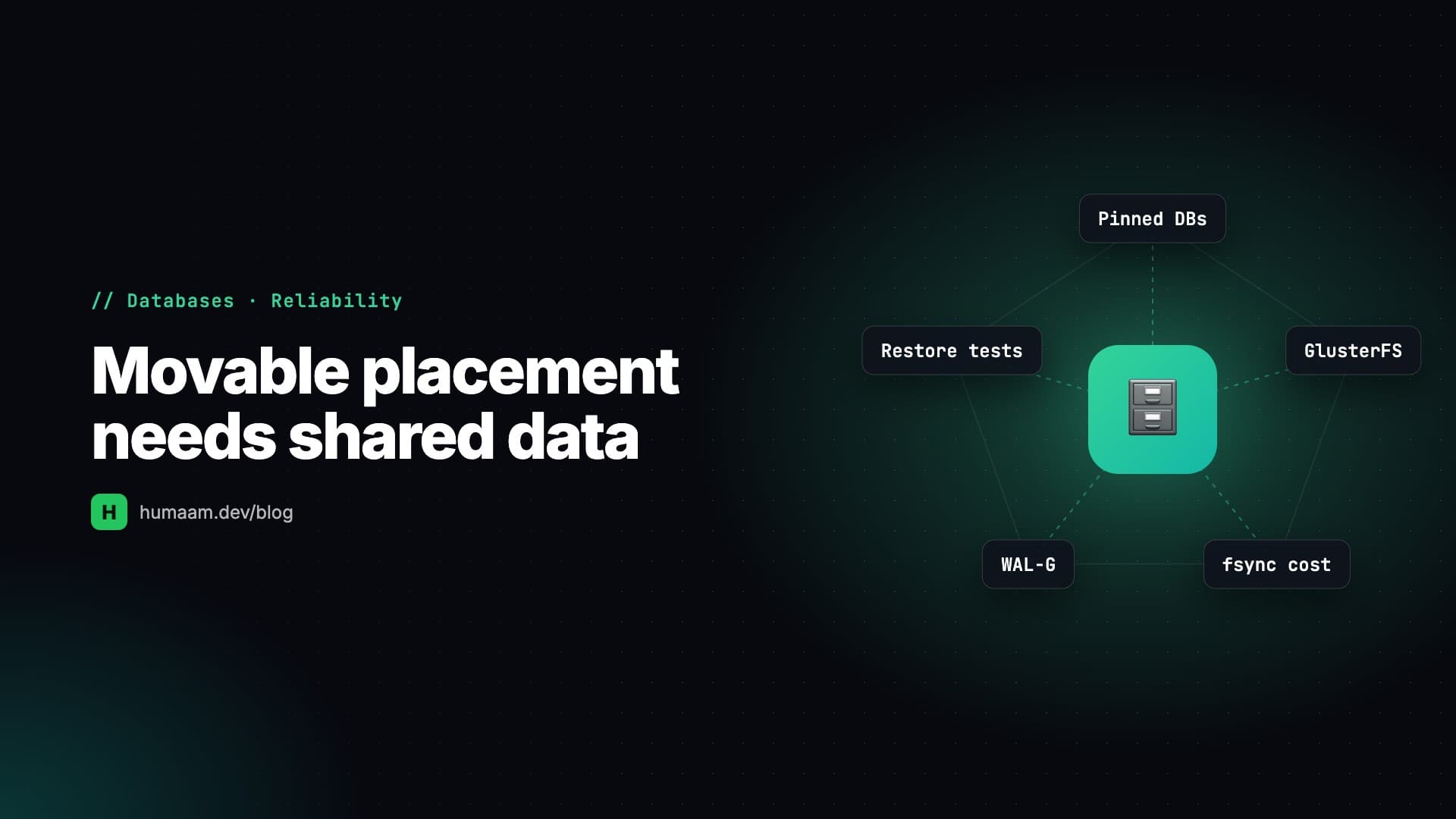
The scariest finding of my first audit of our Docker Swarm cluster wasn't an outage. Nothing was broken. Two databases were running fine, serving production traffic, and set up so that the next time Swarm decided to move them, they'd come back empty. No error, no alert, just a fresh MySQL with no tables and an app politely reporting that no users exist. One of them was the deploy panel's own database. This post covers the rule that would have prevented it, and what I learned enforcing it.
The rule
On a multi-node Swarm (ours is three VPS nodes, GlusterFS for shared storage, Dokploy as the deploy panel), every stateful service has to answer two questions:
1. Where is it allowed to run? That's the placement constraint.
2. Where does its data live? On a node-local volume or on shared storage.
The answers have to agree. I ended up writing this on a sticky note:
> Movable placement ⟹ shared data. Local data ⟹ hard-pinned placement.
If they disagree, the database can move but its data can't follow, so it starts on a new node with an empty volume.
The three patterns
Pattern A: pinned + backed up. Constrain the service to one node (node.hostname==node3) and keep its data on that node's local disk. That's safe because it can never move. Logical dumps go to shared storage. The trade-off: if that node dies, the database is down until you restore it somewhere else, which takes minutes and loses whatever was written since the last backup.
Pattern B: data on shared storage. Placement node.role==manager, with a bind mount into the GlusterFS volume. On failover Swarm reschedules the database and the data is already there. Automatic failover, at a cost I'll get to.
Pattern C: the trap. node.role==manager plus a node-local Docker volume. It's allowed to move, and its data can't. This is what you get when you take a platform's defaults on a multi-node cluster, and it's how our app MySQL and the panel's Postgres were configured.
The fix for both was nearly free. I took a backup first, then pinned each one to the node it was already running on. The running task already satisfied the new constraint, so Swarm didn't restart anything. Zero downtime.
Now I check every stateful service with one line:
docker service inspect <svc> --format \
  'PLACE={{json .Spec.TaskTemplate.Placement.Constraints}} MOUNTS={{range .Spec.TaskTemplate.ContainerSpec.Mounts}}{{.Type}}:{{.Source}} {{end}}'
GOOD: PLACE=["node.hostname==node3"]  MOUNTS=volume:app-data
GOOD: PLACE=["node.role==manager"]    MOUNTS=bind:/mnt/shared/app-db
BAD:  PLACE=["node.role==manager"]    MOUNTS=volume:app-data   <- data loss
Pattern B has a price, and I measured it
Putting MySQL's data directory on GlusterFS gave us automatic failover, and in a drain test the database moved between nodes with every row intact. It felt great until I measured it.
Every transaction commit is an fsync. I timed 200 × 4 KiB O_DSYNC writes:
- •Local disk: 0.140 s (~0.7 ms per fsync)
- •GlusterFS FUSE mount, replicated three ways: 0.642 s (~3.2 ms per fsync)
That's a 4.6× penalty on every commit, on a live production write workload. Relational data files on a FUSE network filesystem also carry a small corruption risk under a hard crash, which is exactly the situation failover exists for.
So I moved the production MySQL from Pattern B to Pattern A. After the move, fsync for the same test dropped to 0.171 s. A committed INSERT now costs 1.21 ms, the same as a bare SELECT 1 round trip, so the storage penalty has disappeared into the network hop. Downtime was about four minutes.
I gave up automatic database failover for that. I made the call on purpose and wrote it down, because six months from now someone will ask "why isn't the DB on shared storage?" Pattern B is still fine for light, low-write databases. It shouldn't hold your busiest production database.
The migration runbook (the parts that matter)
1. Back up, then prove the backup by restoring it. Restore into a scratch schema and compare row counts table by table. A backup nobody has restored is a hope, not a backup.
2. Quiesce the app, then stop the database, then confirm a clean shutdown in the error log before copying anything. A copy of a crash-inconsistent data directory is worthless.
3. Copy with cp -a, not cp -r. The MySQL uid has to survive, or mysqld won't start.
4. Fix the panel's stored config to match (more on this below).
5. Keep the old copy until the new one has served traffic for a while.
A small trap from step 1: our pre-migration dump was 76 KB, while the automated dumps were 960 KB. That looked like a truncated backup. It wasn't. The automated job uses --all-databases and includes MySQL's own system schema. Verify, don't assume, in both directions.
Two traps that produce an empty database
One service update that silently drops your mount
Mid-migration I ran a single update that swapped both the constraint and the mount:
docker service update \
  --constraint-rm ... --constraint-add ... \
  --mount-rm /var/lib/mysql --mount-add type=bind,source=...,target=/var/lib/mysql <svc>
It reported converged. The resulting spec had no mounts at all. If I'd scaled it back up, MySQL would have started on the container's ephemeral filesystem, completely empty. Now I do the --mount-add as its own update and always read the spec back before scaling up.
The panel and the cluster drift, and the panel wins
Dokploy keeps its own record of every service in its database. When I compared it with what Swarm was actually running, the stored mount path for our MySQL pointed to a directory that didn't exist, and the stored placement didn't match either. Pressing "Deploy" in the panel would have bound a nonexistent path and started an empty database.
The general lesson: any change you make from the CLI is temporary until you also make it in the panel's store. The next deploy re-applies whatever the panel believes. I learned this a second time when services I'd unpinned from the CLI were quietly re-pinned by the next panel deploy.
Backups that run on the wrong node
Dokploy has built-in scheduled database backups. On our cluster they never worked for most databases. The job runs inside the panel container on node1 and looks for the database with a local docker ps. Any database running on node2 or node3 fails with Container not found. Our main app database had never once reached offsite storage. Another stopped the day it moved off node1.
What protects the cluster now:
- •A dump script on every node, every 6 hours, each dumping its own local database containers to the shared volume. Gluster makes every dump visible everywhere.
- •One offsite sync from a single node to S3-compatible object storage. Dumps are encrypted with age before they leave, and the private key is held in escrow. The sync never uses
--delete, prunes by age with a minimum-keep floor, refuses to run against an empty source, and retries, because the object store throws the occasional spurious signature error. - •A monthly automated restore test. It restores the app database from the latest dump into a scratch instance, compares counts with live, and writes a status file. Separately, the app's System health page warns when the newest dump is more than 26 hours old. The first run restored 90 tables with counts equal to live.
The Postgres variant: WAL instead of dumps
For a newer PostgreSQL 18 environment (a BoltHR UAT copy), I applied the same rule with better tools. The primary is pinned (Pattern A) with WAL-G continuously archiving WAL to object storage: an RPO of at most five minutes, daily base backups, compressed and encrypted. A restore drill (fetch the base backup, replay WAL into a scratch container) matched live row counts.
A streaming read replica runs pinned to a different node with its own local volume, and reports are routed to it through a separate PgBouncer, falling back to the primary if the replica is down. A few details paid for themselves:
- •
max_slot_wal_keep_sizecaps how much WAL a dead replica's slot can hold, so a dead replica can't fill the primary's disk. - •PgBouncer runs in transaction-pooling mode, and the server timezone is UTC so Django never issues a per-connection
SET. That matters behind a transaction pooler. - •The image's backup loop originally took a new base backup on every restart. With seven kept, a few restarts quietly shrank the recovery window. Now it takes one only if the newest is older than a day.
Takeaways
- •Placement and storage must agree. Movable means shared data; local data means pinned. Check every stateful service with one
inspectline. - •Platform defaults can be Pattern C. Audit what you inherited, not just what you deployed.
- •Measure before choosing shared storage for a database. Our fsync penalty was 4.6×. Automatic failover isn't free.
- •Read the spec back after every
service update, and make every CLI change in the panel too. - •Backups exist when restores pass. Automate the restore test, and check that your backup job can actually see the database.
Related Posts
High Availability Without a Floating IP: Multi-A DNS, Three Traefiks and a Kill Drill
Our VPS nodes couldn't share an IP, so VRRP was out. Here's how I built $0 failover from multi-A DNS, browser Happy Eyeballs and three Traefiks sharing one certificate issuer, then proved it by killing a production node on purpose.
Green Deploy, Old Code: Running Docker Swarm Without a Registry
Our deploy panel kept reporting success while containers ran the previous build. Here's why a bare :latest tag on a multi-node Swarm with no registry is a correctness bug, how unpinning for HA made it worse, and how I made the app report its own build.
Multi-Tenancy in One Database Without Leaks: Global Scopes, 404s and Isolation Tests
Before onboarding Opero's second operator, 22 tenant tables had no tenant column and isolation depended on controllers remembering a where clause. How I moved the boundary into a global scope, ordered it before route binding, failed closed, and proved it with isolation tests.